The iGram Instagram video downloader turns a link to a public video into an MP4 file with the original sound. It works for feed videos, Reels, videos inside carousels, IGTV and video Stories: paste the link, press Download, and the file lands on your phone or computer. You don't need an Instagram account.
- File
- MP4 with the original sound, no watermark added
- Quality
- Lower quality for free, HD and 4K with Premium
- Access
- Public accounts, no Instagram login
How to download Instagram videos
Learning how to download videos from Instagram takes a minute: you need the link to the post and nothing else. The steps don't change between feed videos and Reels.
-
1
Copy the video link
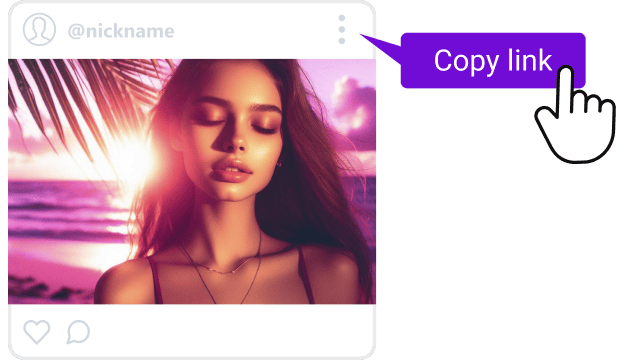
To download video from Instagram, start under the post: tap Share (the paper plane icon) and choose Copy link. In a desktop browser, copy the address bar instead.
-
2
Paste it and press Download
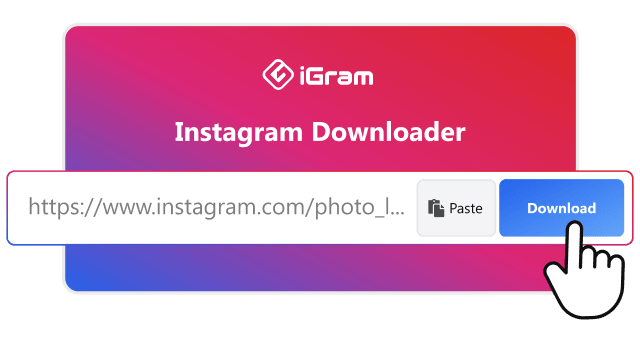
Paste the link into the field at the top of this page and press Download.
-

3
Save the MP4
Pick the video in the results and save it. On an iPhone it goes to the Files app first: here is how to move it to Photos.
Instagram video quality, format and sound
Every video saves as an MP4 file with its original sound, and iGram adds no watermark. The free and Premium plans differ in resolution, and neither can raise quality above what the creator uploaded.
Instagram video quality on the Free and Premium plans, from standard to HD and 4K
| Parameter |
Free |
Premium |
| Resolution |
Lower quality, not HD |
HD, up to Full HD (1080p) and 4K |
| Format |
MP4 |
MP4 |
| Sound |
Original audio track |
Original audio track |
| Audio only |
No |
MP3 file |
| Watermark |
None added |
None added |
| Download speed |
Standard |
Up to 2× faster, with resume |
HD needs Premium, on a plan for 1, 6 or 12 months. The Instagram video downloader 4K option needs an original uploaded in 4K, and many Instagram videos are stored at 1080p or lower.
A logo the creator placed into the video itself stays, because it is part of the picture.
Instagram's Download button or iGram
Instagram lets anyone save a public Reel from the Share menu, so for some videos the app alone is enough. That button covers fewer cases than it seems, and the copy it saves is marked.
Saving a video with Instagram's own Download button and with iGram
|
Instagram's Download button |
iGram |
| Which videos |
Public Reels only |
Feed videos, Reels, carousel videos, IGTV, video Stories |
| Creator can block it |
Yes, for the whole account or a single Reel |
Works with any public post |
| Watermark |
Instagram logo and the creator's username |
None added |
| Reels with licensed music |
Saved without sound |
Saved with the soundtrack |
| Where it works |
Instagram app, signed in |
Any browser, no account |
Instagram keeps the sound only on Reels with original audio. If a creator used a licensed track from the music library, the app's own download drops the audio entirely.
Which Instagram videos you can download
Any public Instagram video downloads by its link, wherever it was posted. Reels, IGTV and Stories also have their own pages.
-
Feed videos
A video posted to the feed saves as one MP4 with its sound, at the length it was posted.
-
Reels
Reels download as MP4 files with their music or voiceover, whatever their length.
Instagram Reels downloader
-

Videos in carousel posts
An album holds up to 20 photos and videos. Paste the album link, and iGram lists every item, so you can download IG video clips from it one by one.
-
IGTV and long videos
Long videos download in full, with no length limit. A large file simply takes longer on a slow connection.
IGTV downloader
-

Story videos
A video Story can be saved while it is still up, within 24 hours of posting. Highlights work too.
Instagram Story saver
Save Instagram videos to iPhone, Android or PC
Where the MP4 lands depends on the browser, not on iGram. Here is where to look for it on each device and how to move it where you watch videos.
Save to the iPhone camera roll
Safari saves downloads to the Files app, so the video won't appear in Photos right away. To save Instagram video files to the camera roll:
- Download the video in Safari.
- Open the Files app and go to Downloads.
- Open the video and tap Share.
- Choose Save Video. It now sits in Photos.
Save on Android
Chrome and other browsers put the MP4 into the Downloads folder, and the Gallery app shows it a few seconds later. If you save videos every day, the iGram app for Android skips the browser step.
Save on Windows or Mac
The video goes to the browser's Downloads folder. Any desktop player opens MP4, including the Photos app on Windows and QuickTime on a Mac.
Why an Instagram video won't download
In most cases the cause sits on the Instagram side, not in the link field.
- Private account. Videos from a closed profile can't be downloaded, even if you follow the account.
- Deleted or archived video. Once the creator removes or archives the post, its link leads nowhere.
- Expired Story. A video Story disappears 24 hours after posting unless the creator adds it to Highlights.
- Incomplete link. A link cut off at the end won't open. Copy it again with Share and Copy link.
- Temporary error. Wait a minute and press Download again.


